Mac
Deep investigation
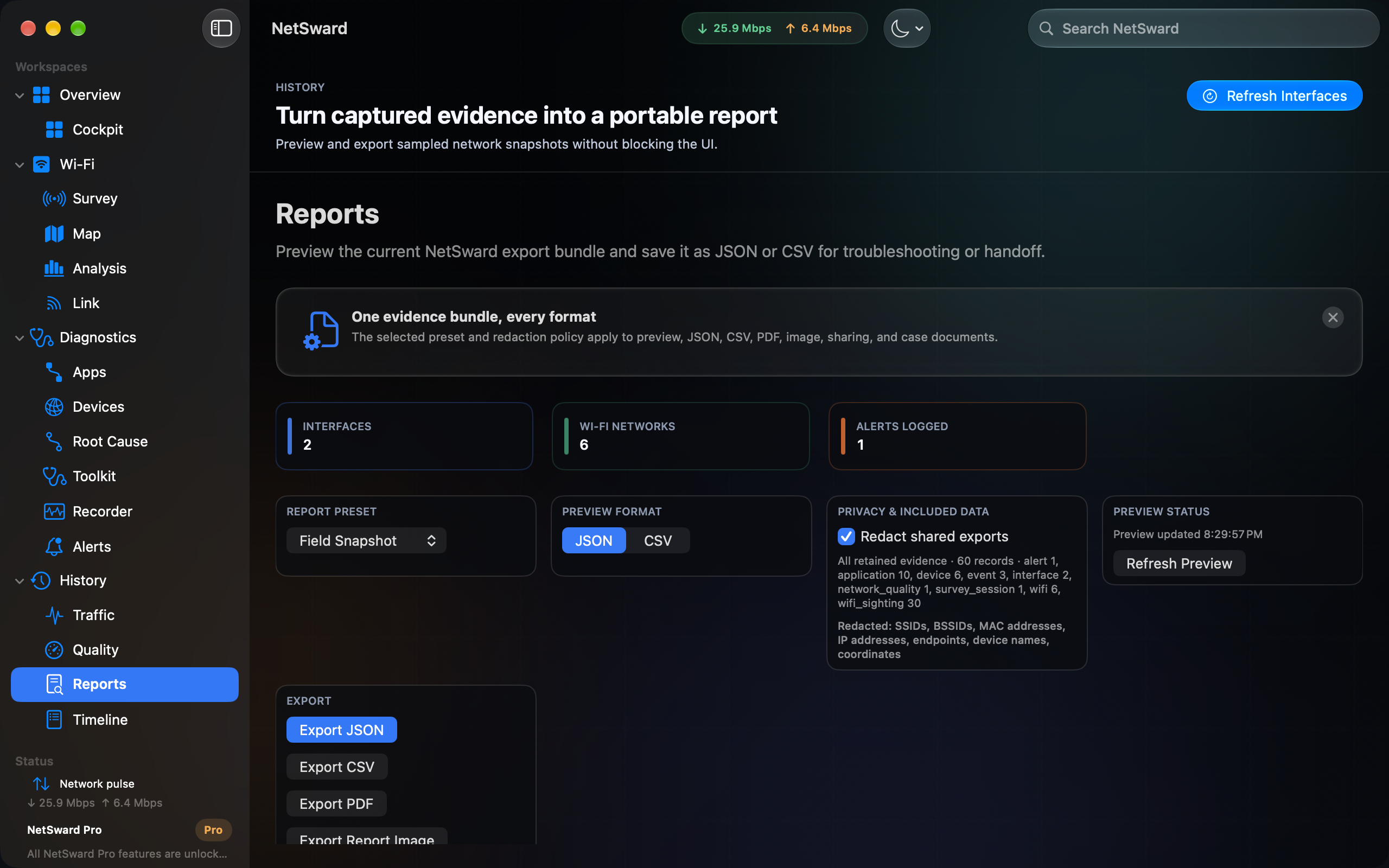
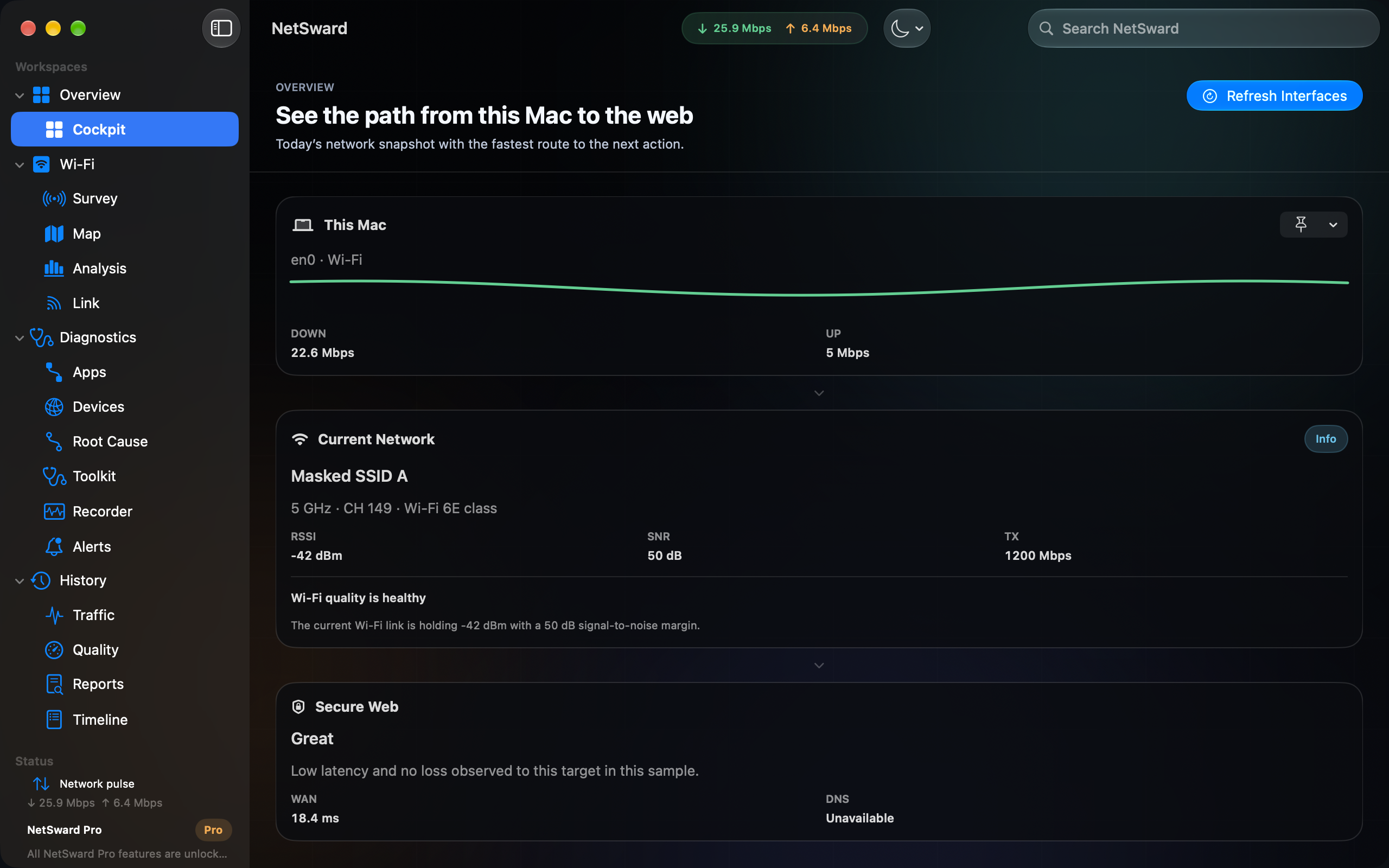
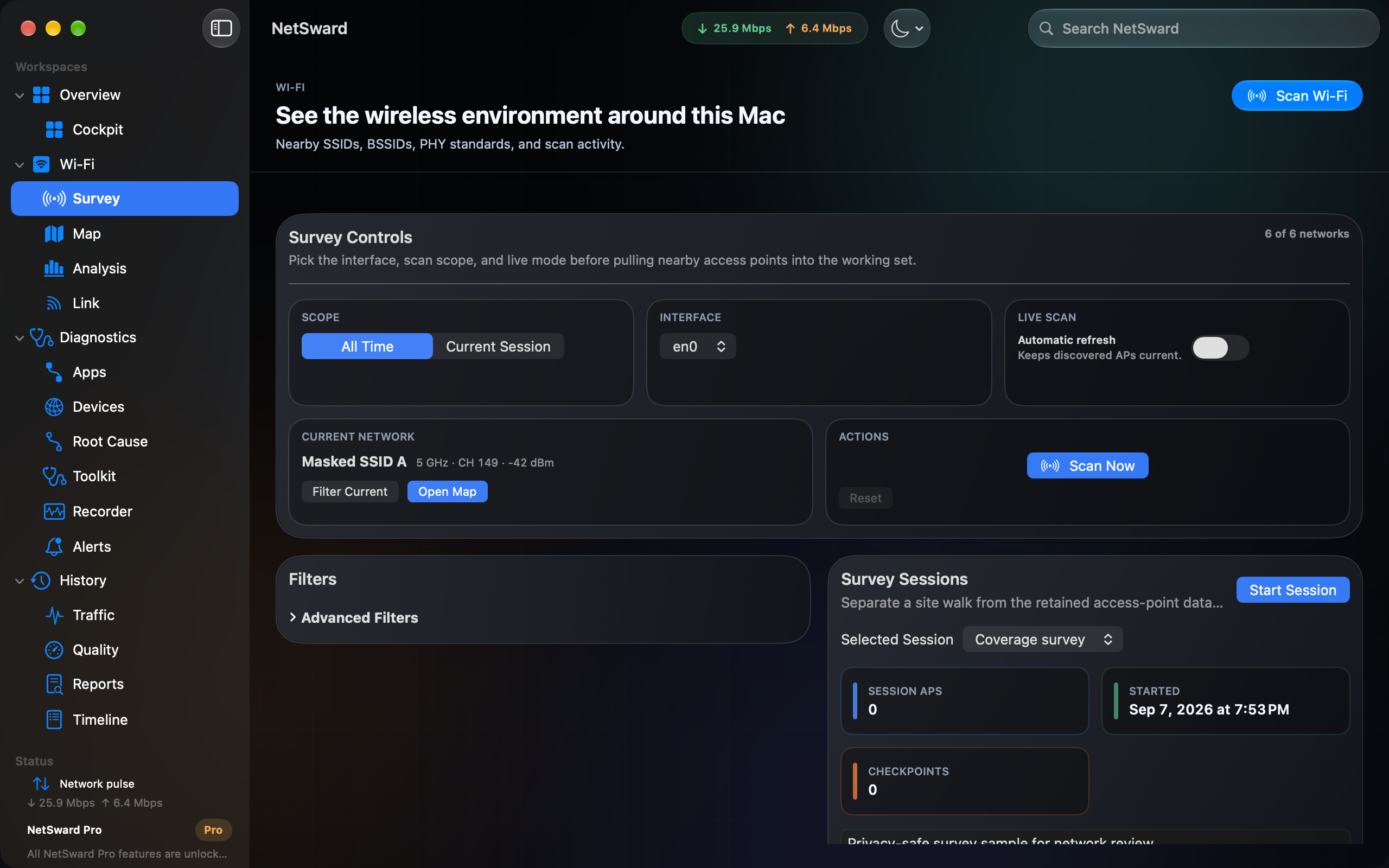
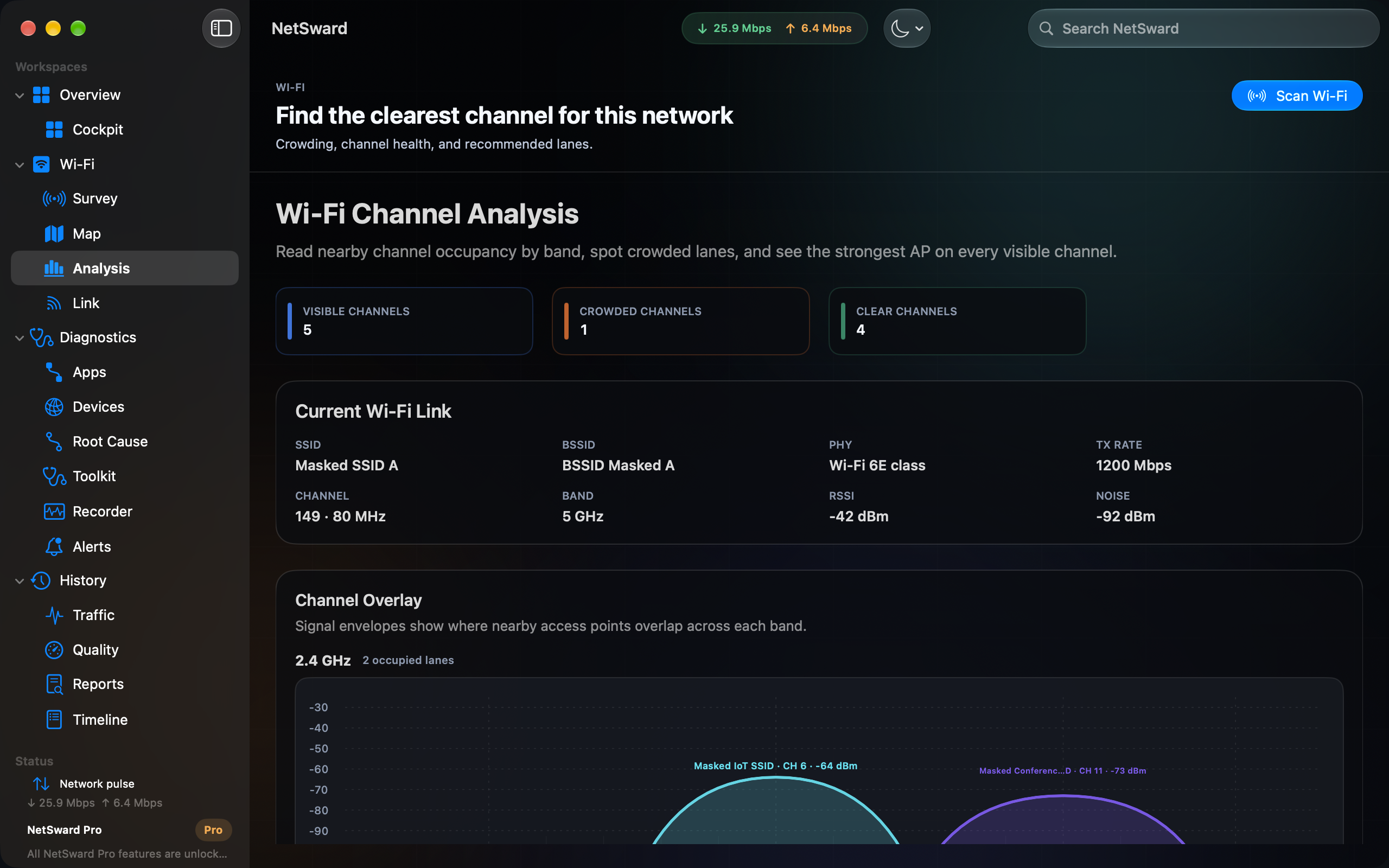
Wi-Fi surveys, maps, channel analysis, per-app traffic, LAN discovery, diagnostics, alerts, and exports run on macOS where the system permits them.

 NetSward
Available for Mac, iPhone, and iPad
Start on iPhone or iPad with local-first connection evidence, Wi-Fi details, tests, history, reports, and widgets. Pair an optional Mac for deeper surveys, maps, diagnostics, alerts, and exportable reports.
Features
NetSward turns live connection evidence, Wi-Fi link details, nearby access points, diagnostics, and report previews into one local-first system across your Apple devices.
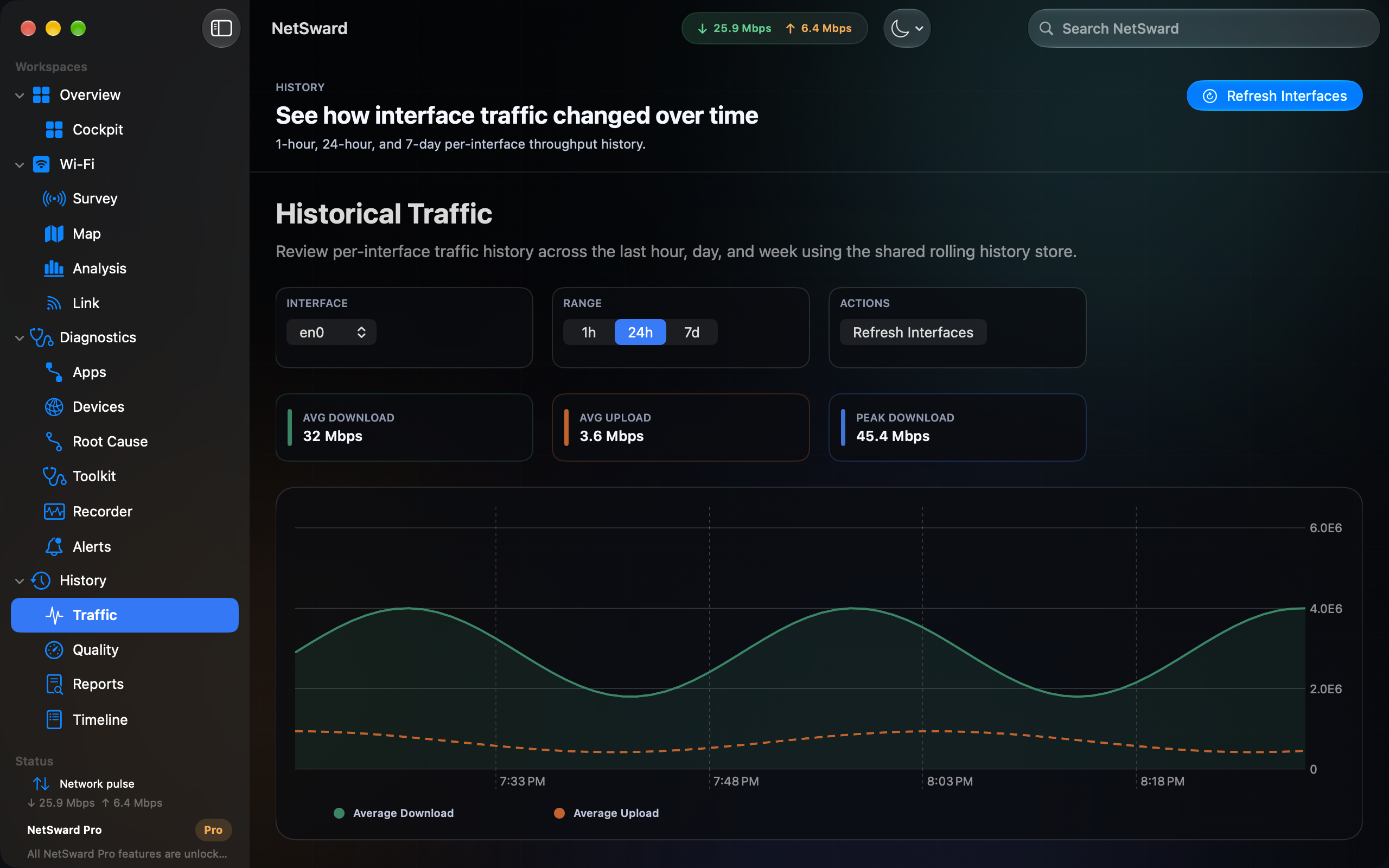
See active interfaces, upload, download, and one-second throughput history without opening Activity Monitor.
Capture current-session SSID, BSSID, channel, RSSI, SNR, PHY, security, and link context from macOS.
Use the menu bar, widgets, and quick controls for ambient network visibility while you work.
On Mac
Desktop evidence gives the everyday view somewhere to go: surveys, channels, and history that make a recurring problem legible.
iPhone & iPad
The iPhone and iPad app starts with evidence measured on that device: connection health, Wi-Fi details, bounded tests, activity history, reports, widgets, and optional paired-Mac context that stays clearly labeled.


Compatibility
NetSward works without a paired Mac. Pairing adds Mac context and operator tools; it does not turn a mobile entitlement into permission to control a Mac.
Mac
Wi-Fi surveys, maps, channel analysis, per-app traffic, LAN discovery, diagnostics, alerts, and exports run on macOS where the system permits them.
iPhone + iPad
See connection health, Wi-Fi details, bounded tests, history, reports, widgets, and mobile surveys on the device you are carrying.
Paired Mac
Review clearly labeled Mac evidence on mobile after an optional local-network pairing. The Mac controls sharing, capabilities, and remote changes.
Minimum OS versions and current device availability are maintained by the App Store listing. Check that listing before installing because system capabilities can change.
Free & Pro
The free app is not a time-limited trial. It covers the everyday view on Mac, iPhone, and iPad: connection health, link quality, current-session Wi-Fi data, widgets, and report previews, with deeper Mac workflows available when you need them.
Included
Start here when you want to see what your Apple device is using right now.
One-time unlock
Unlock the operator tools for mapping, diagnosis, retention, alerts, and handoff. One purchase works across your Apple devices.
Pro workflows
NetSward Pro is built for the follow-up question: is this Wi-Fi, the router, DNS, the ISP, an app, a local device, or this Mac?
Preview the current NetSward bundle for free. With Pro, save JSON, CSV, PDF, and map snapshots for troubleshooting, support tickets, or your own notes.